Installation - License
Verify the purchase code and fetch the certificate
You'll need to verify your purchase on step 2
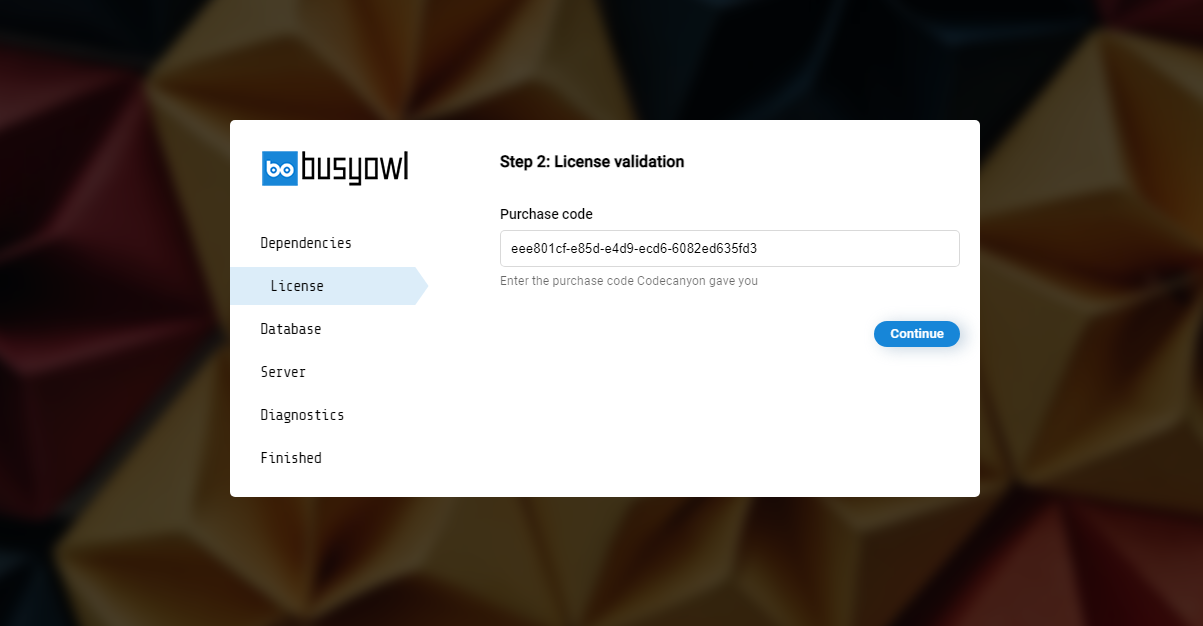
Paste the purchase code you copied in step 0 and click on "Continue"
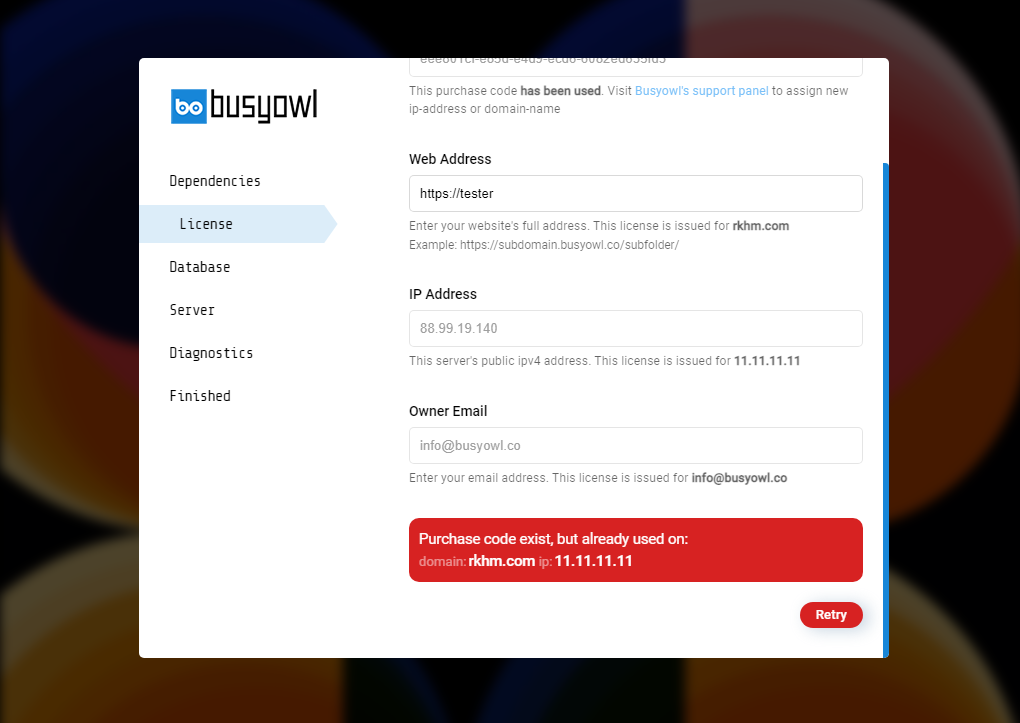
We check your purchase code with our licence service. If it is already assigned to another domain or IP address, the installer cannot continue until the licence issue is resolved. Double-check the website address and owner email before submitting them.
- Web Address: The absolute path to your website. License will be issued for this domain. Your site will not operate if you make a mistake in entering the address. If you own SSL certificate, make sure you enter the web address in HTTPS://yoursite.com
- Owner Email: Your email address. The license will be issued for this email. Only this email can login to our support panel to submit support tickets or reset license
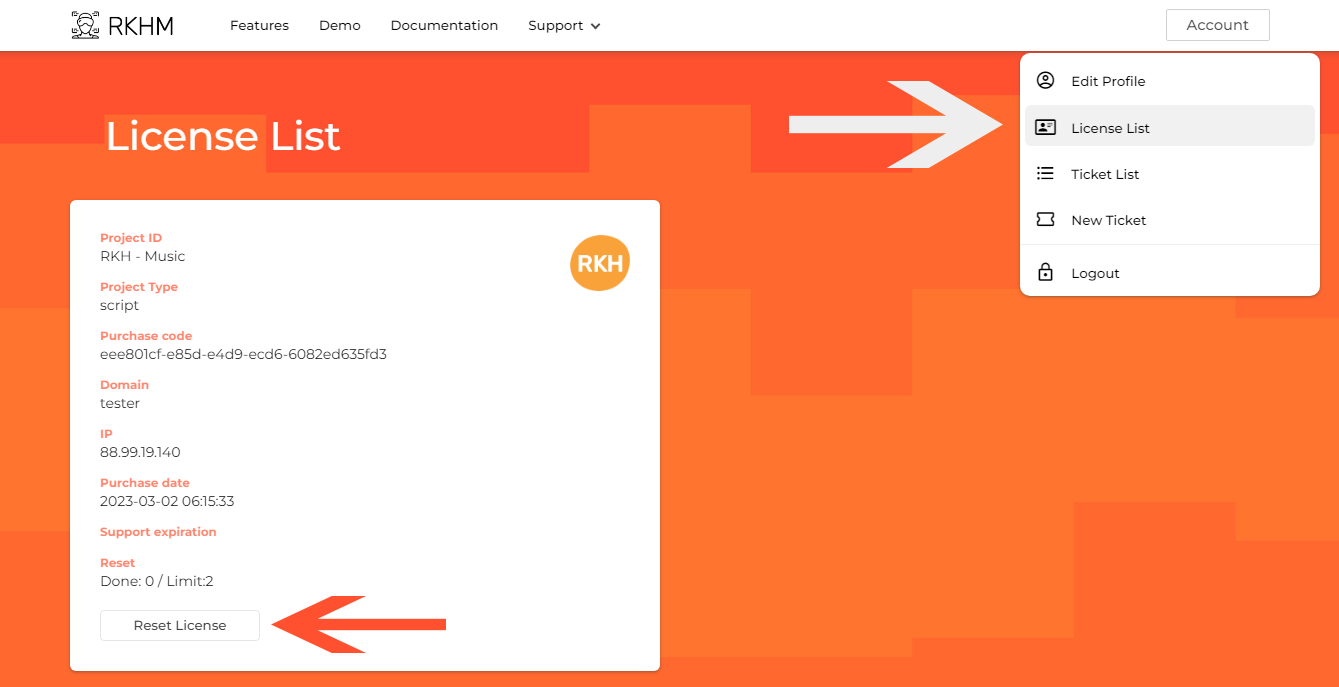
To move your license to another domain, sign in at my.busyowl.co → My Licenses, find the license and click its reset icon (its tooltip, Reset License Domain, shows how many resets you have used and your limit). Each license can be reset once — see Terms of usage. After the reset, run the installer on the new domain with the same purchase code.