Lorem AI
Generating art, copy and metadata in place
Lorem AI is a free RKHM tool that can generate images, catalogue copy and selected metadata for supported items. It can also draft SEO fields. Review generated results before relying on them: prompts and provider responses can be wrong or unsuitable for your website.
The available item types depend on the plugins you have installed. RKHM includes music and other supported audio content; the examples below use an artist.
Choose the text and image providers you want to use under AI API setting. You can use OpenAI, Google Gemini or OpenRouter (OpenRouter image models were added in v2.1.04, and the page now only loads model lists for the services you use). Provider accounts, credentials and usage charges are managed by those providers.
How to use Lorem AI?
Install Lorem AI from Setting → Tools first. In Modules → Lorem AI → AI API setting, choose a provider for text and/or images and enter its credentials. Test with one item before enabling a background run.
You can run Lorem AI for one item manually, or enable scheduled runs for selected item types. The scheduled option needs your website’s cronjob to be working.
- Automatic: In Modules → Lorem AI → Cronjob, enable Lorem AI and the item types you want. Open an item-type page under Lorem AI to set filters and actions before running it across the catalogue.
- Manual: Open a supported item in its admin list, use its three-dot menu, and choose Lorem AI - Run. Review what the run produced.
How to configure Lorem AI & prompts?
Under Modules → Lorem AI, open an item type to choose which fields to generate, set filters and edit the main and field-specific prompts. The available actions differ by item type.
The following artist prompt illustrates how an RKHM item can request several fields in one response.
"You are given an artist name. Analyze for following information and return them in JSON format
-bio_birthday: Birthday of artist in yyyy/mm/dd format
-bio_city: Name birth cirty of artist
-bio_content: Create an artist Biography
-bio_country: Name birth country of artist
-bio_deathday: If artist is dead, return death day in yyyy/mm/dd format
-bio_name: Real (legal) name of artist
-m_artist_genres: Artist genres. Separate with ;
-m_artist_tags: 5 Tags for artist. Separate with ;
-seo_slug: Create a search engine friendly, relevant SEO-SLUG. Make it long & funny
-seo_title: Create a short, search engine friendly title
-seo_description: Create a short, search engine friendly description
-seo_tags: Create 3 search engine friendly tags. Separate with ;
Just respond with the raw JSON string"
Lorem AI uses the item and its configured prompts to ask your chosen provider for a response, then applies supported results to the item. Test changes on one item first and check the edited fields, especially facts and generated images.
How to experiment with prompts?
Start with the supplied prompts and adjust them for your audience. A prompt change can affect style and factual accuracy, so review a small sample before scheduling broad use.
To test your setup:
- Choose a provider and edit one item-type prompt under Modules → Lorem AI.
- Run Lorem AI manually on a test item and review its generated fields.
- If the result is suitable, enable the relevant automatic run under Cronjob.
Playground
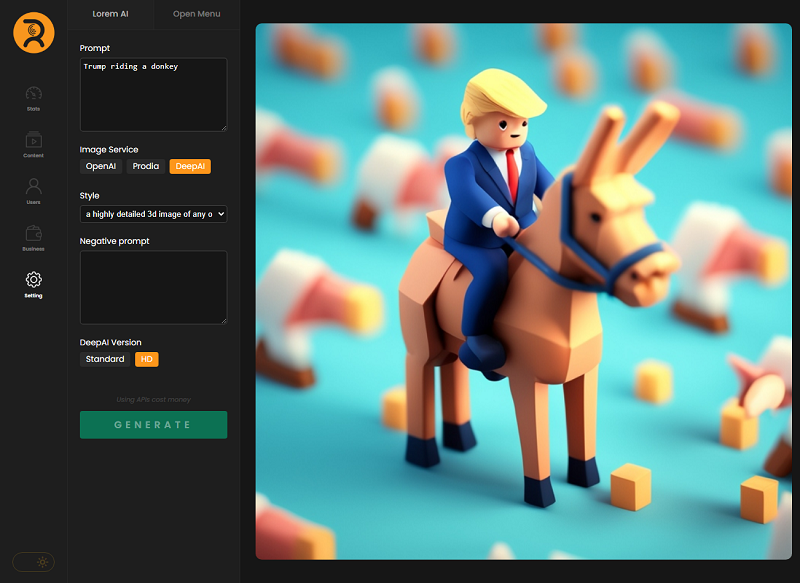
Use Modules → Lorem AI → Playground to try image prompts and provider settings before using a prompt on catalogue items. Where a prompt uses %query%, Lorem AI substitutes the current item’s subject when generating an image.
Examples
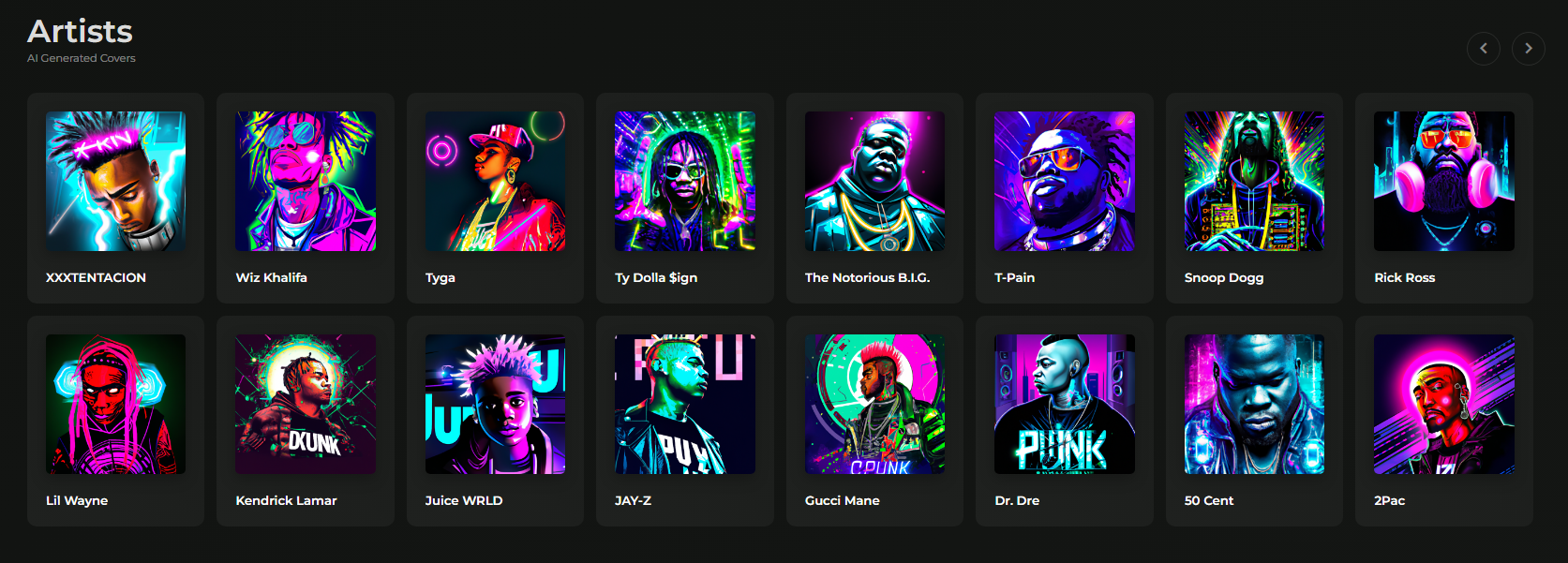
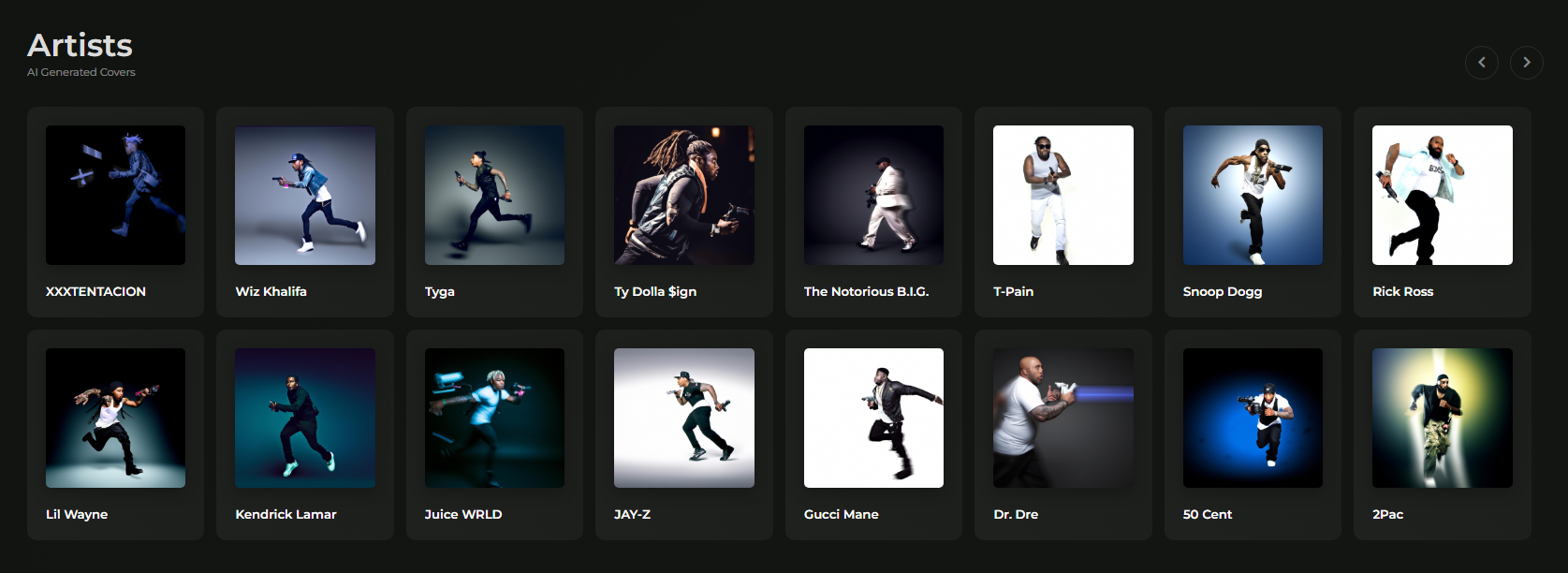
The images below are examples from an RKHM music project. They illustrate how image prompts can be used with supported content.